
You own your PDFs.
No subscription. No ads. Your PDF work happens on your own computer.
- No account
- No card
- No ads
- No watermark
- Open source
“File too large” for an email or upload form?
Email attachments, application forms and exam or tender systems all have size limits. Type the limit and shrink the PDF on your own computer. No upload, no queue.
The file exceeds the maximum allowed size.
Current size636 KB
Target size (MB)0.2
1 MB 2 MB 5 MB 10 MB (email) 50%
Under the target. First try, lightest setting · 0.6 s
Every everyday PDF job, in one program
Everyday PDF work is free, with no daily or page limit. OCR and batch processing come with Pro.
Compress to a target size
Type the limit; the app finds the right setting.
Compress PDF →Edit
Fix existing text; add text, images and notes.
Editing →OCR Pro
Turn scanned pages into searchable text.
OCR →Sign
Draw it once, place it on any document in one click.
Signing →True redaction
ID numbers, IBANs… Redacted text leaves the file.
Redaction →Batch processing Pro
Watermark, number or compress dozens of files at once.
Batch →Word → PDF
Uses Word if installed, otherwise a built-in engine.
Word → PDF →Claude connection
Turn it on if you want; off by default.
How it works →Also: merge, split, reorder, rotate, delete pages · passwords · fill forms · images to PDF · PDF to Word and images · print.
Target-size compression in 3 steps
- Open the PDF, click "Compress".
- Type the target.1, 2, 5 and 10 MB are one click; for 500 KB type 0.5.
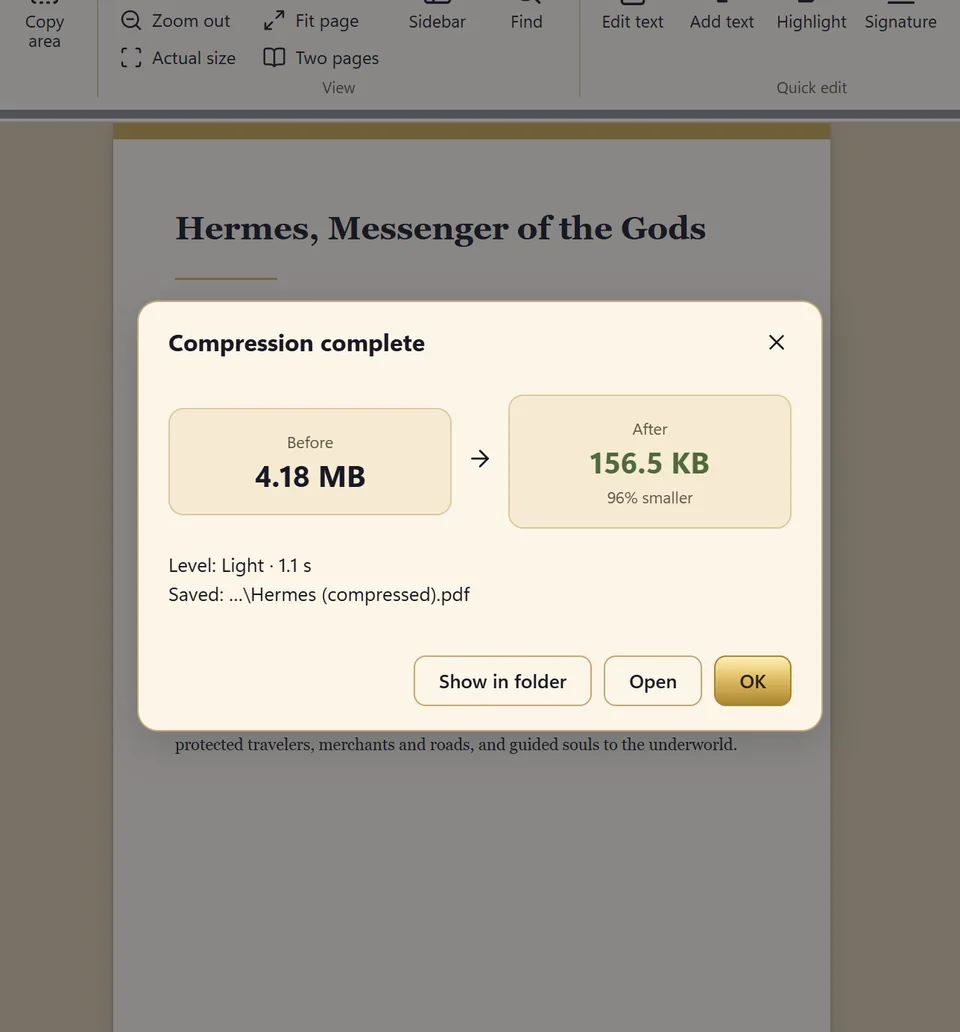
- See the before / after size.Your original stays untouched.
What do you want? What do others offer? What do we do?
To edit and sign without a subscription.
Adobe Acrobat Standard: from US$14.99/month in the US (annual plan).
Editing and signing are free. Pro is one-time.
To get under an email or upload size limit.
Pick a level and retry until it fits.
You type the target; the app stops at the first setting that fits.
A free, offline program.
PDF24 Creator and KillerPDF are too; both are good.
Target size, a Turkish-first interface, dual-engine Word → PDF. OCR and batch processing with Pro.
Competitor details were read from official pages on November 8, 2026; they can change. Full comparison with sources →
Everyday PDF work is free.
Reading, editing, compressing to a target size, merging, splitting, signing and basic conversions are free. If you want, a one-time Lifetime Pro adds OCR, batch processing and saved workflows and supports development.
Why you can trust it
- Open source code (GPL-3.0).
- No telemetry; the update check is opt-in.
- License activation works offline.
- Every release's SHA-256 checksum is on the download page.
Got a PDF job waiting? Sort it out now.
Download free, install, open. No account, no card, no ads, no watermark.